Käy Vriend
All-round Adobe Substance 3D Expert.
Substance Sampler - Splatter Input Filter
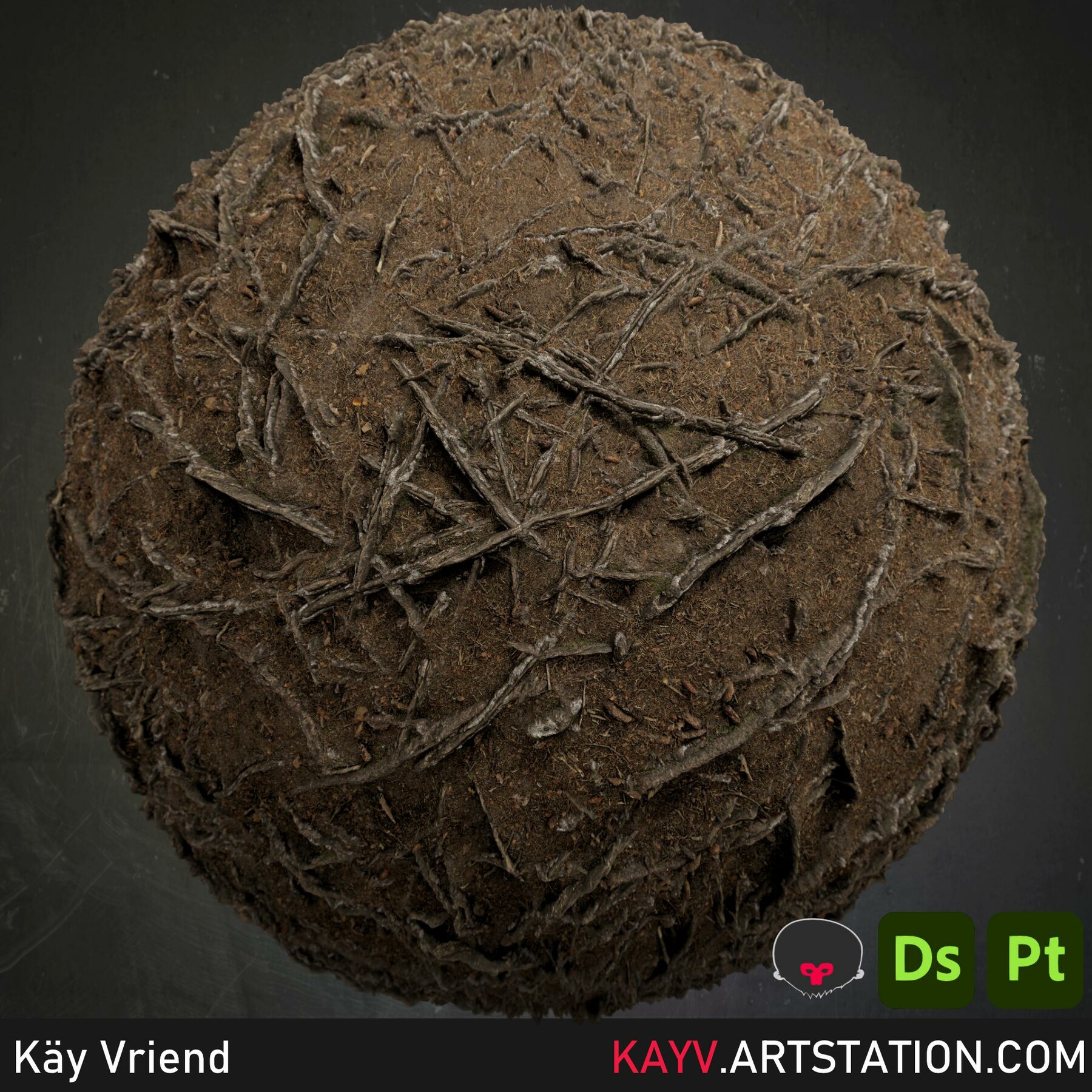
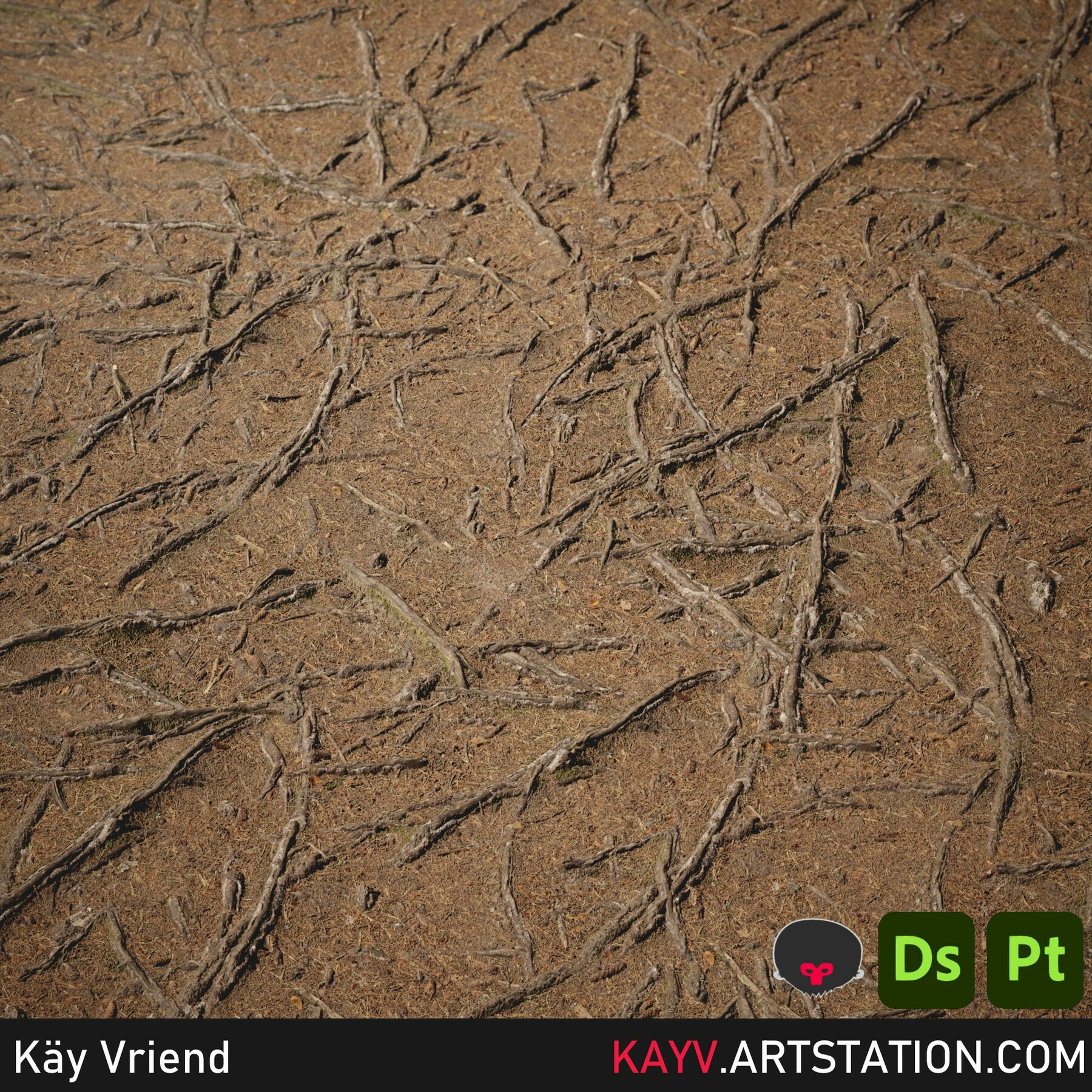
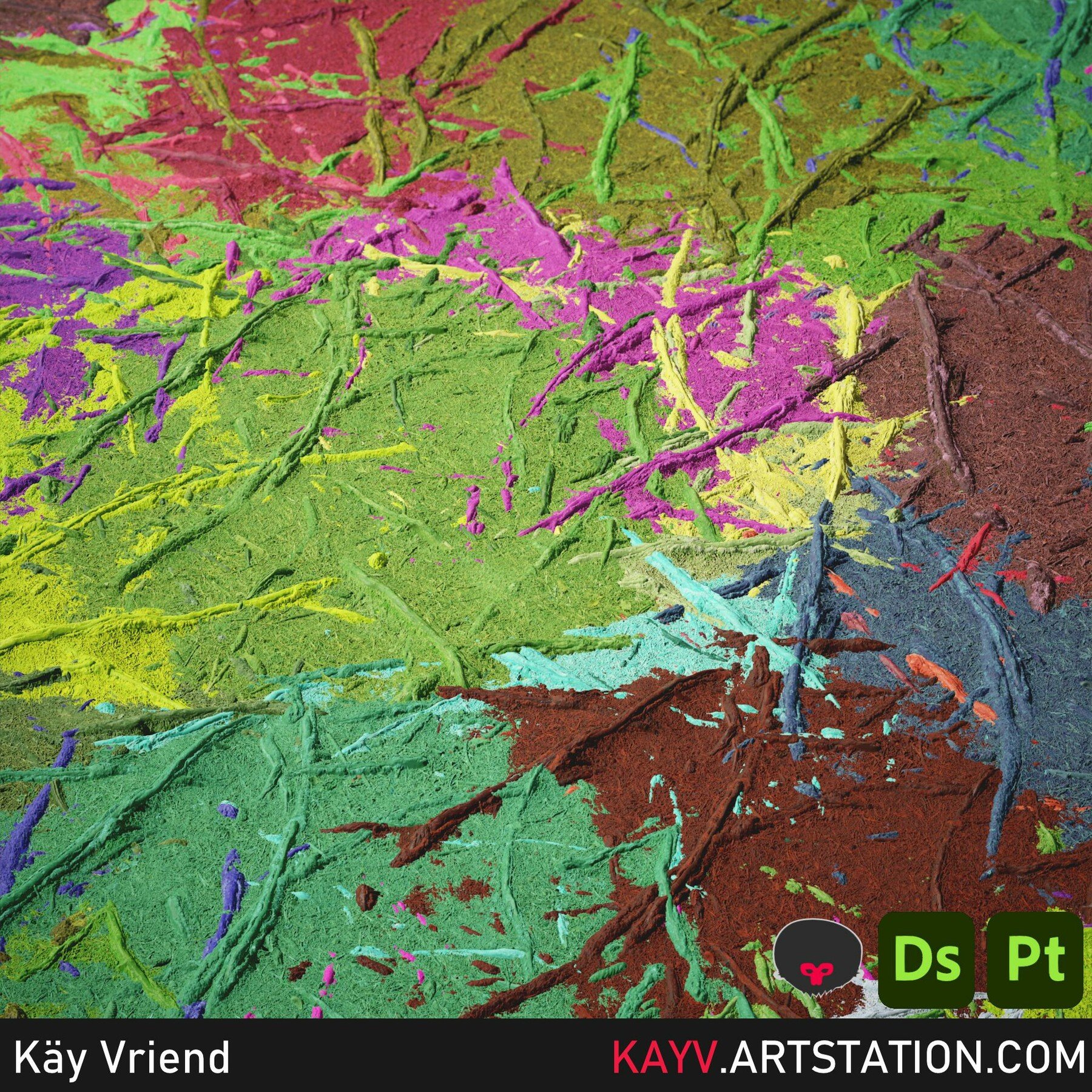
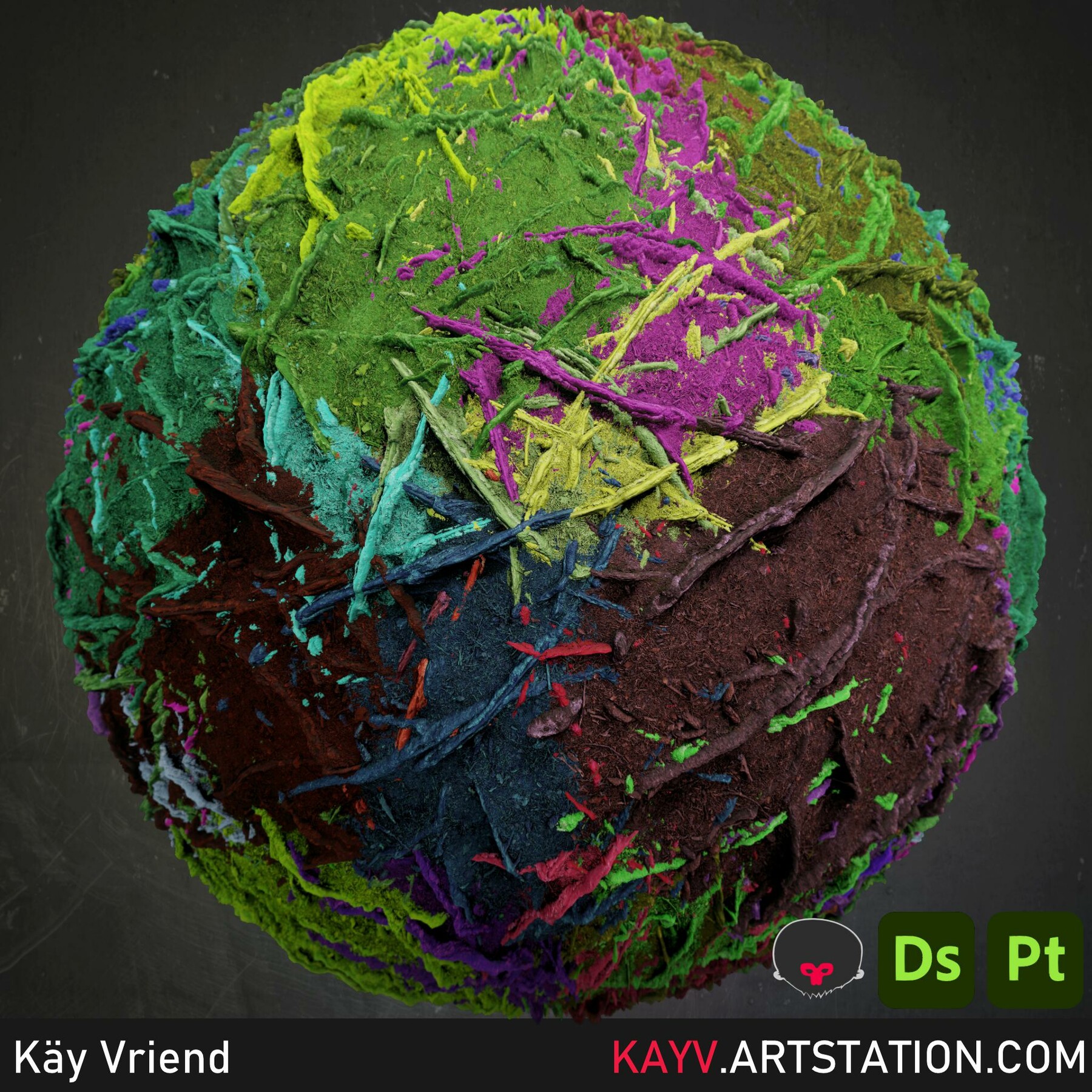
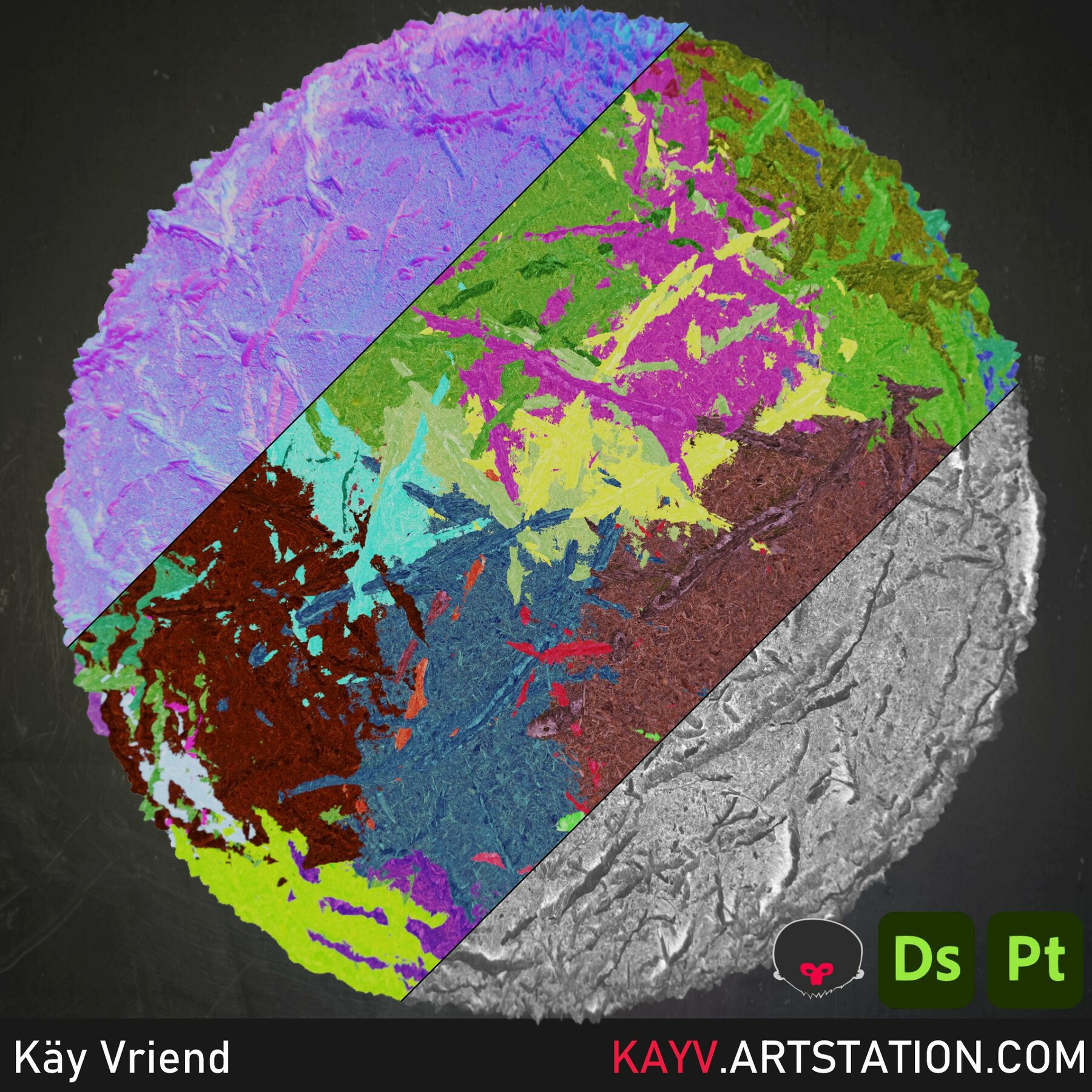
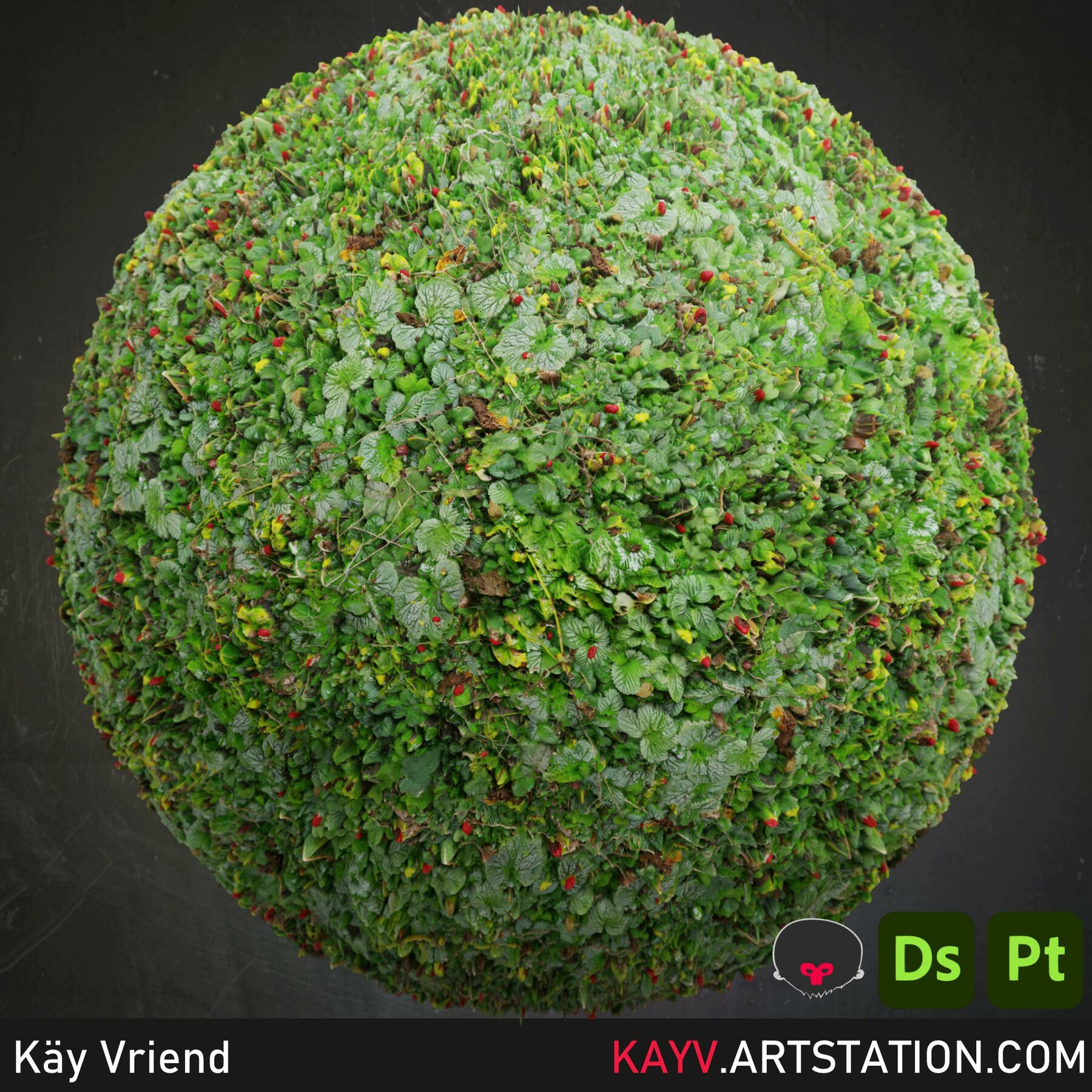
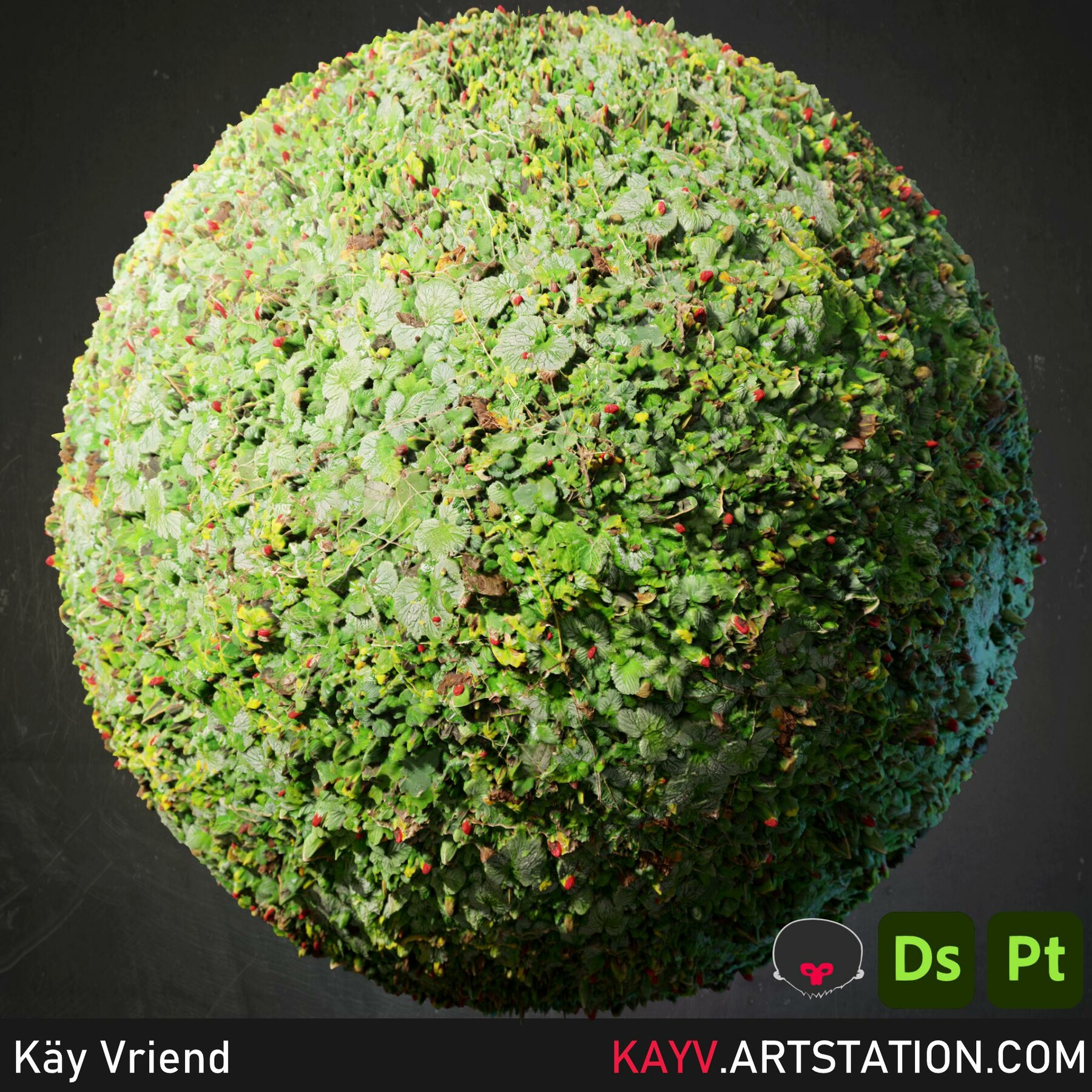
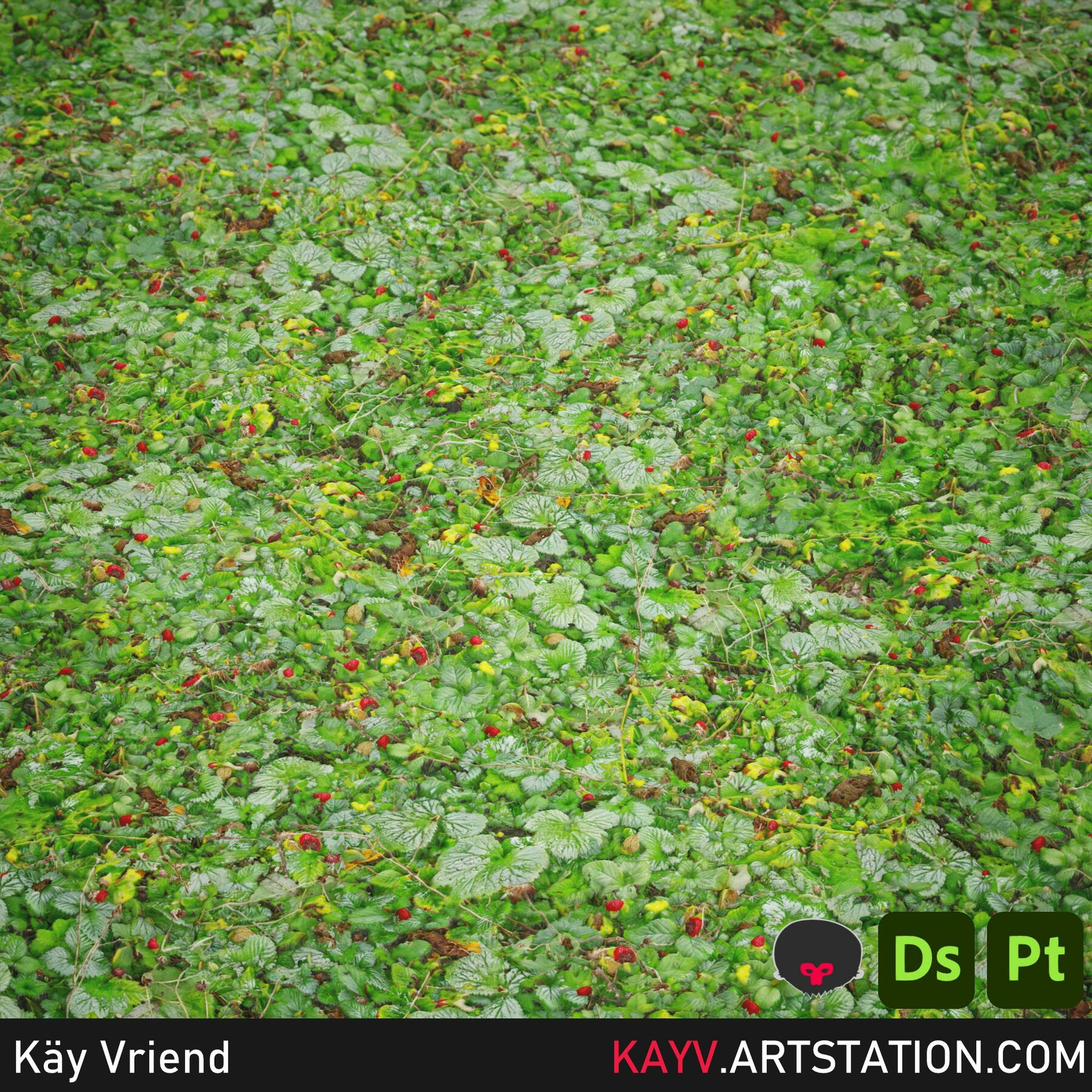
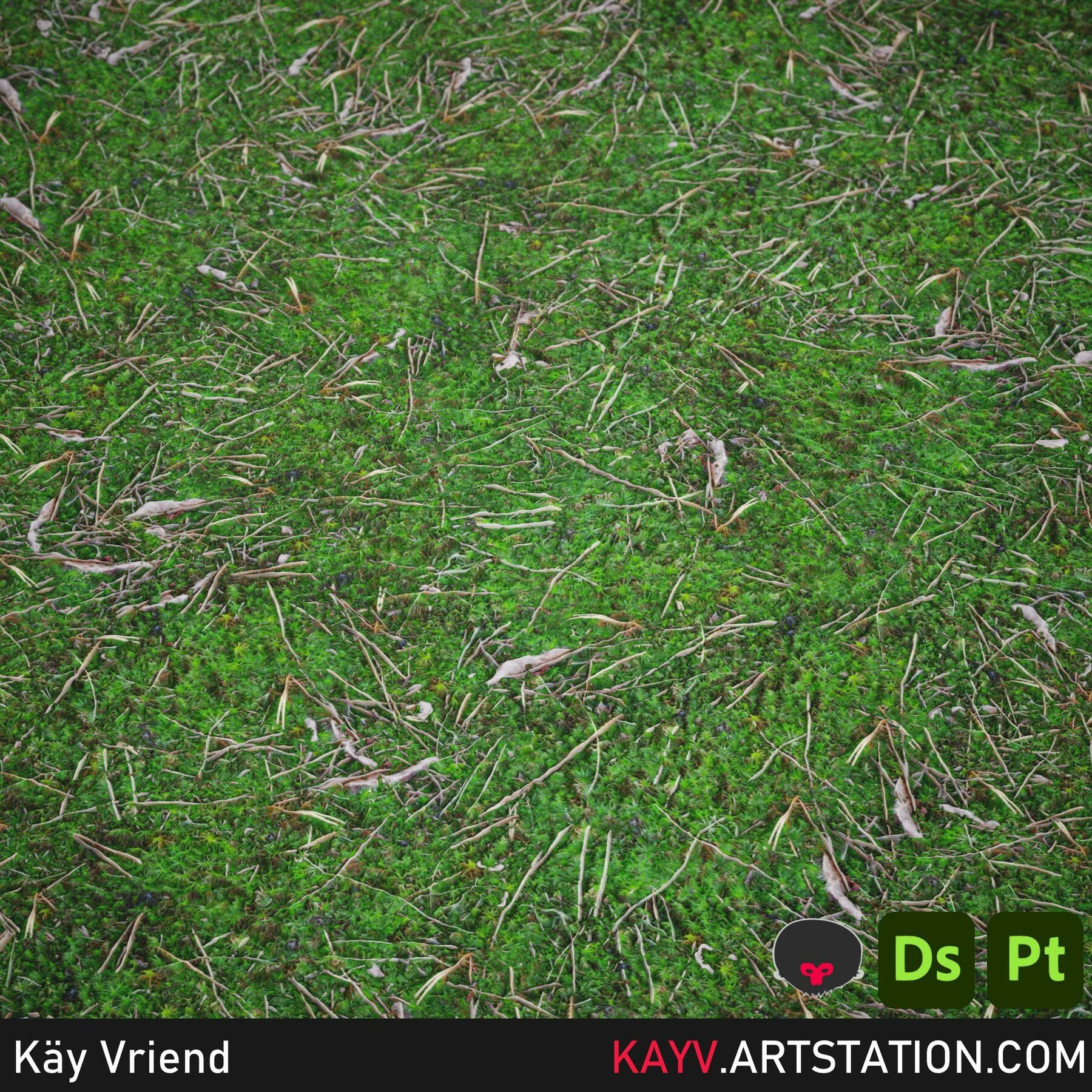
Substance Sampler splatter filter. It lets you scale and tile your material, with parameters and options as:
- Height generation.
- Height refinement (low pass, slope balance, high pass, smoothness).
- AO Generation.
- Splat amount.
- Edge feathering (hides splat seams).
- Edge feathering radius.
- Random rotation.
- Sharpen by halo maps.
- Debug view to visualise splats.
This filter works best with organic materials such as ground types, dirt etc. It can work on just a single image run through the bitmap to material filter, or with entire scans.
For a walk-through of the options, check the video here:
Recommended skill level for editing this material inside Substance Sampler:
Beginner.
Contents:
SBSAR (Substance Archive file, useable in Substance Sampler and Substance Designer).
License:
Substance files and exported outputs cannot be redistributed or resold unless as embedded components of electronic/interactive media.
Notes:
Only works with Substance Sampler v 3.3.2 Zucchini or higher.
- This is a non-refundable digital product.
Release Notes
- Updated the filter to use the latest version of Substance Sampler
- Updated RTAO option
- Optimised performance, filter now works faster
- Uses parent bitdepth, some nodes were previously at 32 bit
- Debug view more performant
- Added a dash of special sauce