Substance Painter Dynamic Brush - Milling Brush
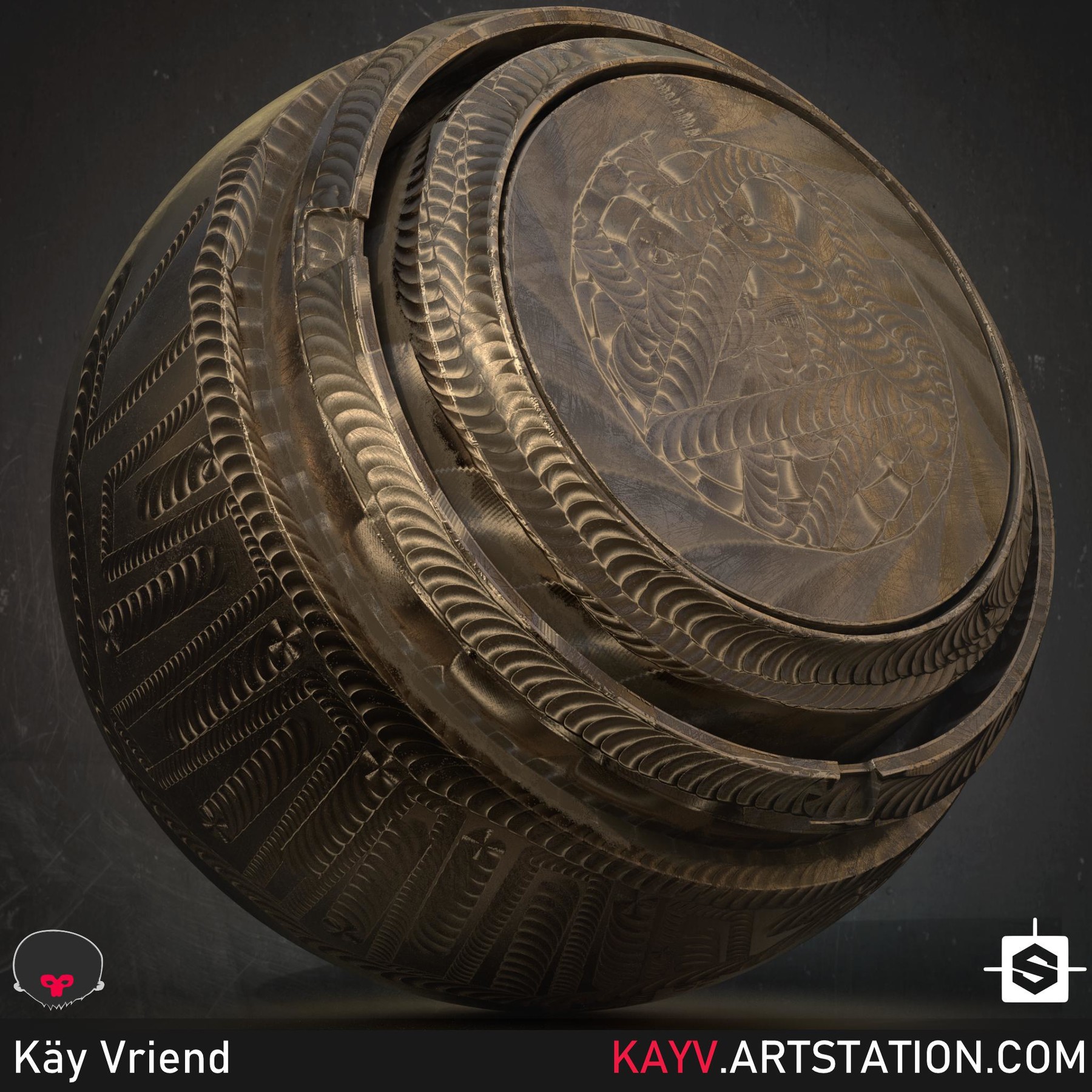

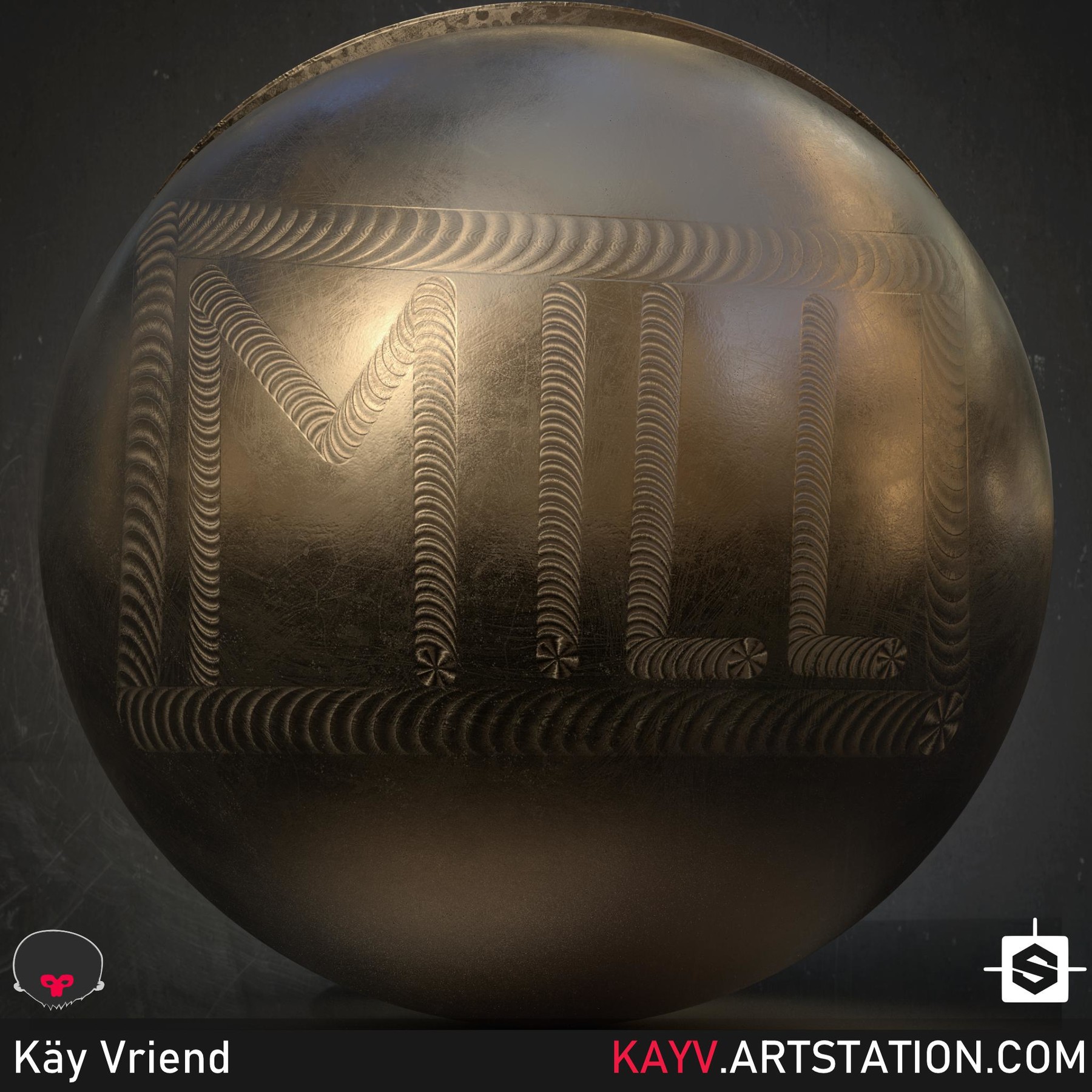
Substance Painter dynamic milling brush. This tool helps you create milling marks on your materials. It has outputs for the anisotropy angle and level, height and normal.
Adjustable parameters for:
- Seed.
- Bit blade amount.
- Bit wear for a rougher finish.
- Inner and outer bit radius.
- Anisotropy level.
- Edge hardness.
This dynamic brush can be used on multiple channels, as well as in masks (using the height channel of the brush). For anisotropy to work you need to select the shader for it inside Painter, and add the channels for it to the texture set.
This is version 1, there will be a video walk-through and more updates based on user feedback and requests soon.
Have fun!
Recommended skill level for using this dynamic brush in Substance Painter:
Intermediate.
Contents:
.SBSAR file (Dynamic milling brush. Just drag it in and label it as "Procedural" in the import dialogue.)
License:
Substance files and exported outputs cannot be redistributed or resold unless as embedded components of electronic/interactive media.
Notes:
Only works with Substance Painter 20193.3.1 or higher.
- This is a non-refundable digital product.
Release Notes
- Optimised performance.
- Added milling depth parameter.
- Added better masking (No alpha needed inside Substance 3d Painter).
- Created better fall-off for blending when painting.
- Added normal intensity parameter.
- Cleaned parameters.
- Fixed Anisotropy parameter name.
- 100% less shavings when milling.